How to Use Minecraft Marketplace Properly (2026 Guide)
Introduction
Minecraft Marketplace is an official in-game store where players can download skins, worlds, texture packs, maps, and add-ons created by community creators and professional developers. It allows players to customize their gameplay experience safely and easily.
Many beginners open the Marketplace without understanding how it works, which can lead to unnecessary purchases or storage problems. This guide explains how to use Minecraft Marketplace properly in 2026.
What Is Minecraft Marketplace?
Minecraft Marketplace is a built-in digital store available in Minecraft Bedrock Edition. Players can explore different types of content to improve or customize their game.
The Marketplace includes:
- Character skins
- Adventure maps
- Texture packs
- Mini-games
- Survival worlds
- Add-ons and mods
It is available on:
- Android
- iPhone/iPad
- Windows Bedrock Edition
- Xbox and PlayStation consoles
How to Open Minecraft Marketplace
Step 1: Launch Minecraft
Open Minecraft Bedrock Edition on your device.
Step 2: Access the Marketplace Tab
On the main menu screen:
- Click or tap on “Marketplace”
The store will load automatically if your internet connection is active.
Understanding Marketplace Categories
Minecraft Marketplace is divided into different sections.
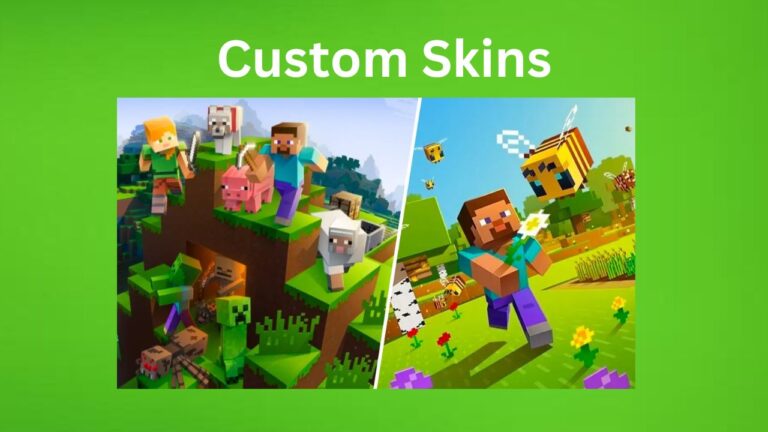
Skins
These change the appearance of your character.
Texture Packs
Texture packs improve or completely redesign the visual style of Minecraft.
Worlds and Maps
Players can download custom-built survival worlds, adventure maps, and mini-games.
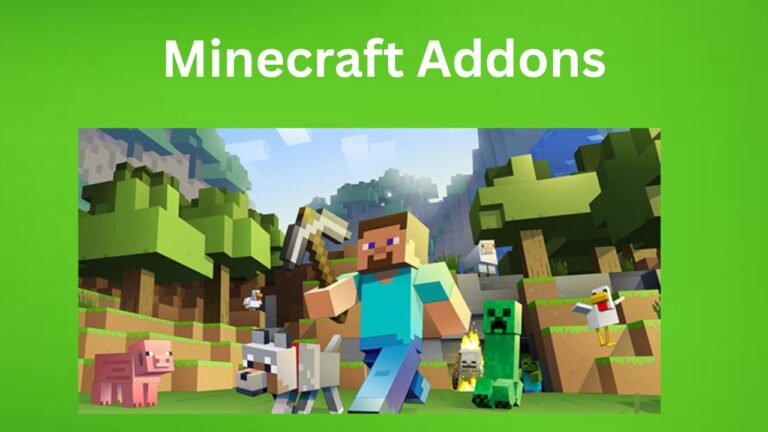
Add-ons
Add-ons modify gameplay features, mobs, and mechanics.
How to Download Free Content
Minecraft Marketplace offers both paid and free content.
To Download Free Items:
- Open Marketplace
- Search for “Free” content
- Select the desired item
- Press the download button
Free items are great for beginners who want to test Marketplace features.
How to Purchase Paid Content
Some premium content requires Minecraft Coins.
Purchase Process:
- Select the item you want
- Check its price
- Buy Minecraft Coins if necessary
- Confirm the purchase
Purchased items remain linked to your account.
What Are Minecraft Coins?
Minecraft Coins are the official currency used inside the Marketplace.
Coins are used for:
- Buying skins
- Unlocking maps
- Purchasing texture packs
- Getting premium add-ons
Players can buy coins using real money through their app store or gaming platform.
How to Apply Marketplace Content
After downloading:
For Skins
- Open character customization
- Select your downloaded skin
For Texture Packs
- Activate the pack inside world settings
For Worlds
- Open the downloaded world from the world list
Tips for Using Marketplace Safely
Check Reviews Before Downloading
Reviews help identify high-quality content.
Avoid Buying Unnecessary Packs
Some packs may look attractive but offer little value.
Keep Enough Storage Space
Large maps and textures require extra storage.
Use Trusted Creator Content
Popular creators usually provide better quality and updates.
Common Mistakes Players Make
Downloading Too Many Heavy Packs
This can slow down weaker devices.
Ignoring Compatibility
Some add-ons may not work correctly with older versions.
Spending Coins Too Quickly
Always preview content before purchasing.
Benefits of Minecraft Marketplace
Using Marketplace properly provides many advantages:
- Safer downloads compared to unofficial websites
- Easy installation process
- High-quality content
- New gameplay experiences
- Better customization options
It helps players enjoy Minecraft in more creative ways.
Is Minecraft Marketplace Safe?
Yes, Minecraft Marketplace is considered safe because:
- It is officially managed by Mojang and Microsoft
- Content is reviewed before release
- Files are secure and virus-free
This makes it much safer than downloading random mods from unknown websites.
Conclusion
Minecraft Marketplace is one of the best ways to customize and improve your gameplay experience. From skins and worlds to texture packs and add-ons, players can discover a huge variety of content directly inside the game.
By using the Marketplace wisely, checking reviews, and managing downloads carefully, players can enjoy a safer and more exciting Minecraft experience in 2026.